
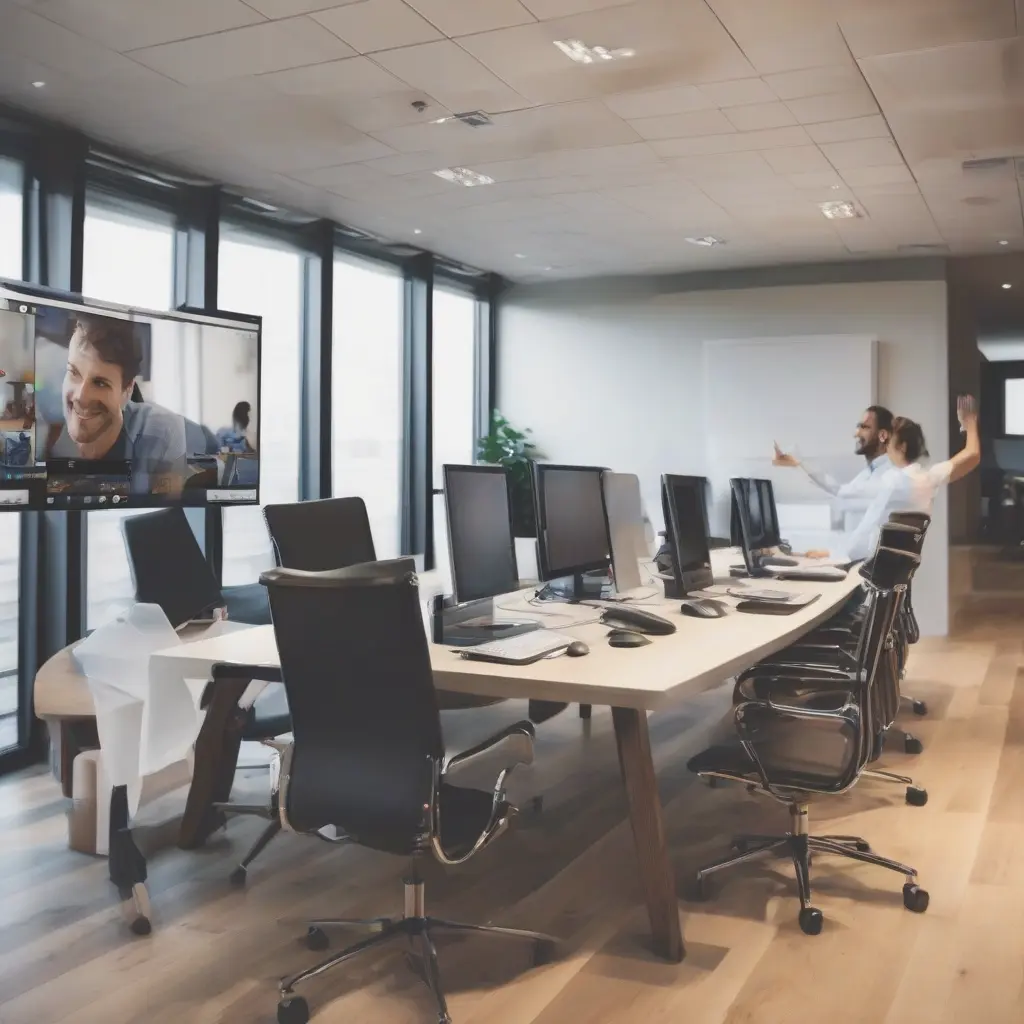
Video conferencing has become integral to both personal and professional interactions. To ensure clear communication and a pleasant experience, it is crucial to have a streamlined setup that enhances both audio and video quality. This article will provide tech tips for optimizing your video conferencing environment, covering aspects such as hardware, software, internet connection, and presentation techniques. By implementing these strategies, you can improve engagement during meetings and reduce technical glitches, ensuring a smooth virtual experience.
Invest in Quality Hardware
The foundation of a successful video conferencing setup begins with quality hardware. Opt for a high-definition webcam that provides sharp video quality, as poor visuals can detract from effective communication. Additionally, invest in a good quality microphone or headset to ensure that audio clarity is prioritized. Built-in laptop microphones often fail to capture sound accurately, leading to misunderstandings. Quality hardware improves both your image and sound, setting the stage for a more engaging interaction during virtual meetings.
Choose the Right Software
The software you select for video conferencing can significantly affect your meeting experience. Popular platforms like Zoom, Microsoft Teams, and Google Meet offer various features that enhance functionality. Look for software that integrates well with your existing tools and provides essential features such as screen sharing, breakout rooms, and high-quality recording options. Familiarizing yourself with the software’s capabilities can help you utilize these features effectively, leading to more productive meetings.
Optimize Your Internet Connection
A stable internet connection is essential for clear audio and video during video conferences. Wired connections often provide more reliability than Wi-Fi, so consider using an Ethernet cable if possible. Ensure that your internet speed meets the requirements for the video conferencing software you are using; typically, a minimum of 1.5 Mbps upload and download speed is recommended. Conducting speed tests before meetings can help identify connection issues, allowing for timely adjustments to enhance the conferencing experience.
Create a Professional Background
The environment in which you conduct video conferences plays a crucial role in how you present yourself. A clutter-free, professionally appealing background can enhance your image and keep your audience engaged. If your home office lacks aesthetic appeal, consider using virtual backgrounds available in most conferencing software. Alternatively, set up a corner of your space that is well-lit and free from distractions. A professional backdrop contributes to a focused atmosphere during meetings and minimizes visual distractions.
Utilize Proper Lighting
Proper lighting can significantly enhance video quality, making you appear more professional on camera. Natural light is ideal, so position your setup near a window if possible. If natural light isn’t available, invest in softbox lights or ring lights that evenly illuminate your face without causing harsh shadows. Avoid backlighting, as it can silhouette you and make it difficult for others to see your expressions. A well-lit environment not only improves video quality but also helps build trust and rapport with your audience.
Minimize Background Noise
Background noise can be distracting during video conferences, affecting both your concentration and that of the participants. To minimize noise, choose a quiet location for your meetings, and use noise-canceling headphones or microphones designed to filter out ambient sounds. Additionally, inform those around you of your meeting schedule to limit interruptions. Taking these steps can help create a more professional atmosphere and ensure that your message is clearly conveyed without distractions.
Practice Good Phone Techniques
When conducting video conferences, good phone techniques can enhance communication quality. Speak clearly and at a moderate pace, ensuring that your tone is engaging. Avoid multitasking during calls and focus on active listening, which helps in building rapport with other participants. If you need to mute yourself, do so promptly when you’re not speaking to minimize background noise. Practicing these techniques will foster better engagement and understanding among all meeting participants.
Record And Review Meetings
Recording video conferences can be an invaluable tool for both self-improvement and reference. Many conferencing platforms offer built-in recording features that allow you to capture meetings for later review. Watching these recordings can help you identify areas for improvement, such as speaking clarity or engagement techniques. Furthermore, sharing recordings with absent participants ensures that everyone remains on the same page. By reviewing your meetings, you can continually enhance your video conferencing skills and effectiveness.
Stay Updated With Software Features
Video conferencing software is constantly evolving, introducing new features that can enhance your experience. Regularly updating your software ensures that you can take full advantage of the latest functionalities, such as advanced security options or improved user interfaces. Set aside time to explore any new updates and learn how they can benefit your meetings. Staying informed about these features will enable you to optimize your setup further, ensuring that your video conferencing technology grows alongside your needs.
Schedule Regular Breaks
In a world where video conferencing is prevalent, fatigue can set in quickly. To combat this, schedule regular breaks during long meetings. Encourage participants to step away from their screens for a few minutes to recharge. This practice not only reduces fatigue but also allows for better focus during the sessions. Consider adopting the Pomodoro technique, with short breaks integrated into the schedule, to maintain high energy levels and productivity. Ensuring everyone’s well-being is essential for successful online meetings.
Conclusion
By following the above tech tips for optimizing your video conferencing setup, you can significantly enhance the quality of your virtual meetings. From investing in the right hardware to managing your environment effectively, every adjustment contributes to overall communication effectiveness. A well-prepared setup not only improves engagement but also ensures a professional atmosphere, fostering better interactions. As video calls continue to be a staple in our communication toolkit, applying these strategies will enhance both personal and professional experiences.